Microsoft SharePoint Online
Do more with Microsoft SharePoint Online | and Power Automate | and Copilot | and Power Apps | and Harvest Time Tracking | and Teams | and Compliance Tracking | and Knowledge Targeting…
A brief history…
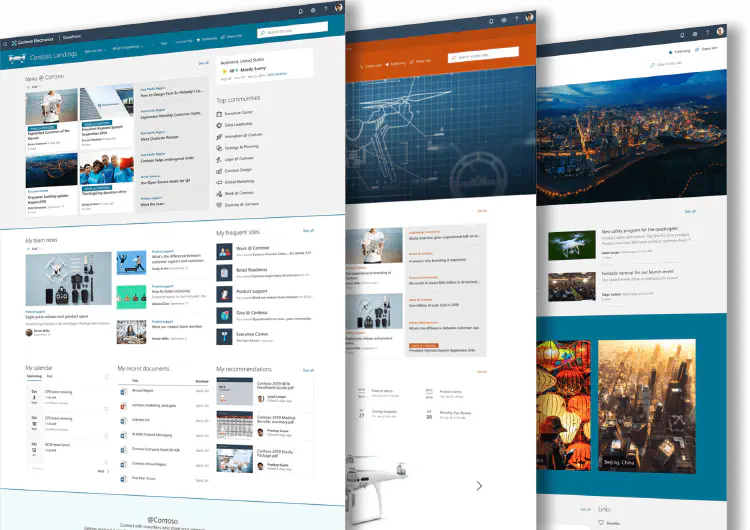
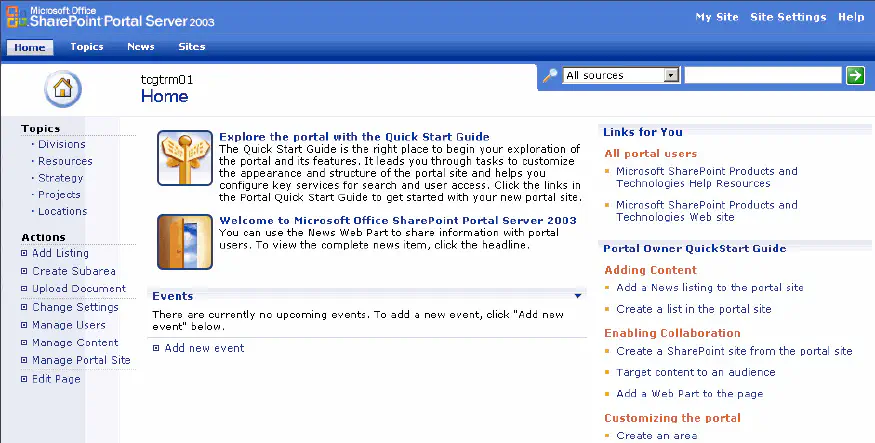
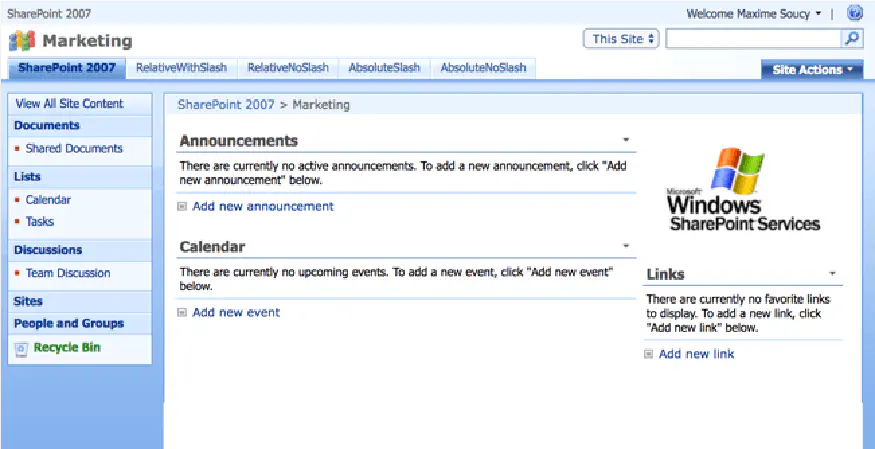
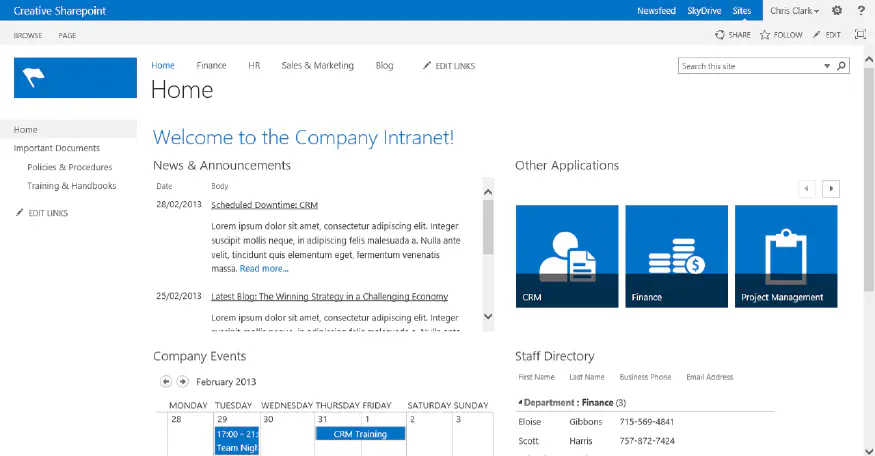
SharePoint has evolved dramatically since its introduction in 2001. In the early days, it required on‑premises servers and hands‑on infrastructure to deliver collaboration and document management. Everything changed in 2010 when SharePoint moved to the cloud, making deployment easier, updates automatic, and integration with Microsoft 365 seamless. This shift also marked the beginning of the transition from classic to modern architecture.
The surge in remote work from 2020 accelerated SharePoint adoption even further. It quickly became the content backbone of Microsoft 365 and Teams, enabling organisations to collaborate from anywhere. With the ability to store millions of documents per site and scale to millions of sites per tenant, SharePoint remains a cornerstone of Microsoft’s enterprise ecosystem-powering content management, communication, and digital workplace experiences.

How we can help
SharePoint is incredibly powerful, but getting the most out of it requires the right structure, governance, and guidance. Beyond file storage, SharePoint supports rich pages, lists, workflows, and integrations that can transform how your organisation operates.
If your content feels scattered or your environment isn’t working the way you need, we’re here to help. We take the time to understand your challenges and recommend the right approach-whether that’s reorganising your information architecture, clarifying the roles of SharePoint vs Teams, or helping you make sense of Hubs, Home Sites, and modern navigation. Our goal is simple: help you work smarter, faster, and with confidence.
Planning and setup
Whether you’re starting fresh or trying to fix an existing setup, we’ll help you design a SharePoint environment that supports your business-not the other way around. With more than 15 years of experience across organisations of all sizes, we know what works, what doesn’t, and how to build structures that scale.
There’s no one‑size‑fits‑all solution, but there are proven patterns that make content easier to manage. Tell us your goals, and we’ll design and implement a site, library, and list architecture that fits your needs and grows with your organisation.


Migrations
Moving content into SharePoint Online doesn’t have to be complicated. Whether you’re migrating from file shares, legacy SharePoint, or other systems, we’ll assess your content and recommend the best structure for usability, search, and security.
SharePoint libraries can store almost any file type, and lists are ideal for structured data. We use Microsoft’s migration tools where possible, and ShareGate or our own tooling when needed. We’ll map out the right migration path and ensure your content arrives in the cloud clean, organised, and ready to use.
Improvements and enhancement
SharePoint and Teams are powerful-but they’re also easy to misconfigure. If you’re losing content, struggling with permissions, or dealing with a confusing structure, you’re not alone. We’ve helped hundreds of organisations fix messy environments and restore clarity, security, and good governance.
Small improvements can make a big impact. We can streamline your navigation, refine your architecture, automate processes with Power Automate, and build custom forms with Power Apps. SharePoint now supports e‑signatures too, helping you eliminate paper‑based approvals. One signature at a time, we’ll help you modernise your workflows.


Custom development and 3rd party Apps.
Sometimes out‑of‑the‑box features aren’t enough. When you need something tailored, SharePoint can be extended with custom applications.
We build solutions using the SPFx framework with Azure integration, and we also implement excellent community‑driven tools like the PnP Modern Search solution. Recent projects include Ins and Out, Compliments Web Part, Meeting Room Schedule, and our own product, Compliance Tracker 365.
Training, mentoring and support
Once SharePoint is running smoothly, you’ll still have questions-and that’s completely normal. We offer both ad‑hoc and retainer‑based support to help you troubleshoot issues, answer questions, and keep your environment healthy over time.